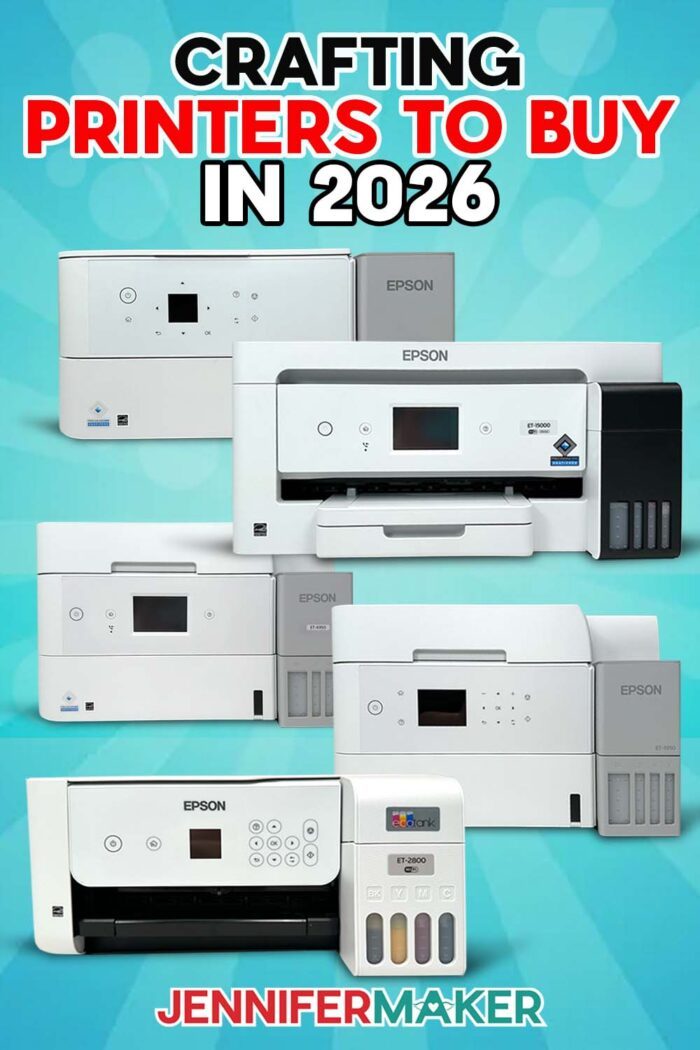
Let’s find out which Epson EcoTank is the best crafting printer!
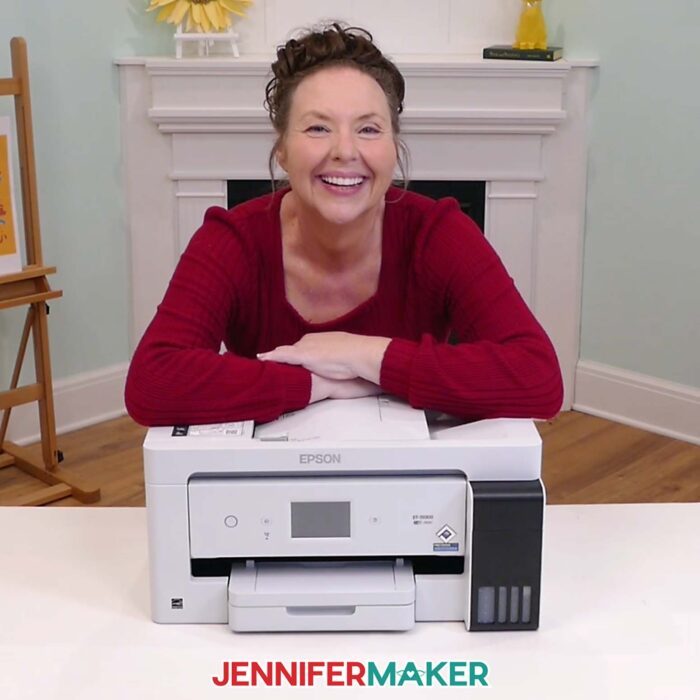
Trying to choose the best crafting printer can get confusing fast. I love Epson EcoTank printers for crafting because the refillable ink tanks make colorful printing more practical and less stressful than replacing small ink cartridges all the time. You can even convert them for sublimation.
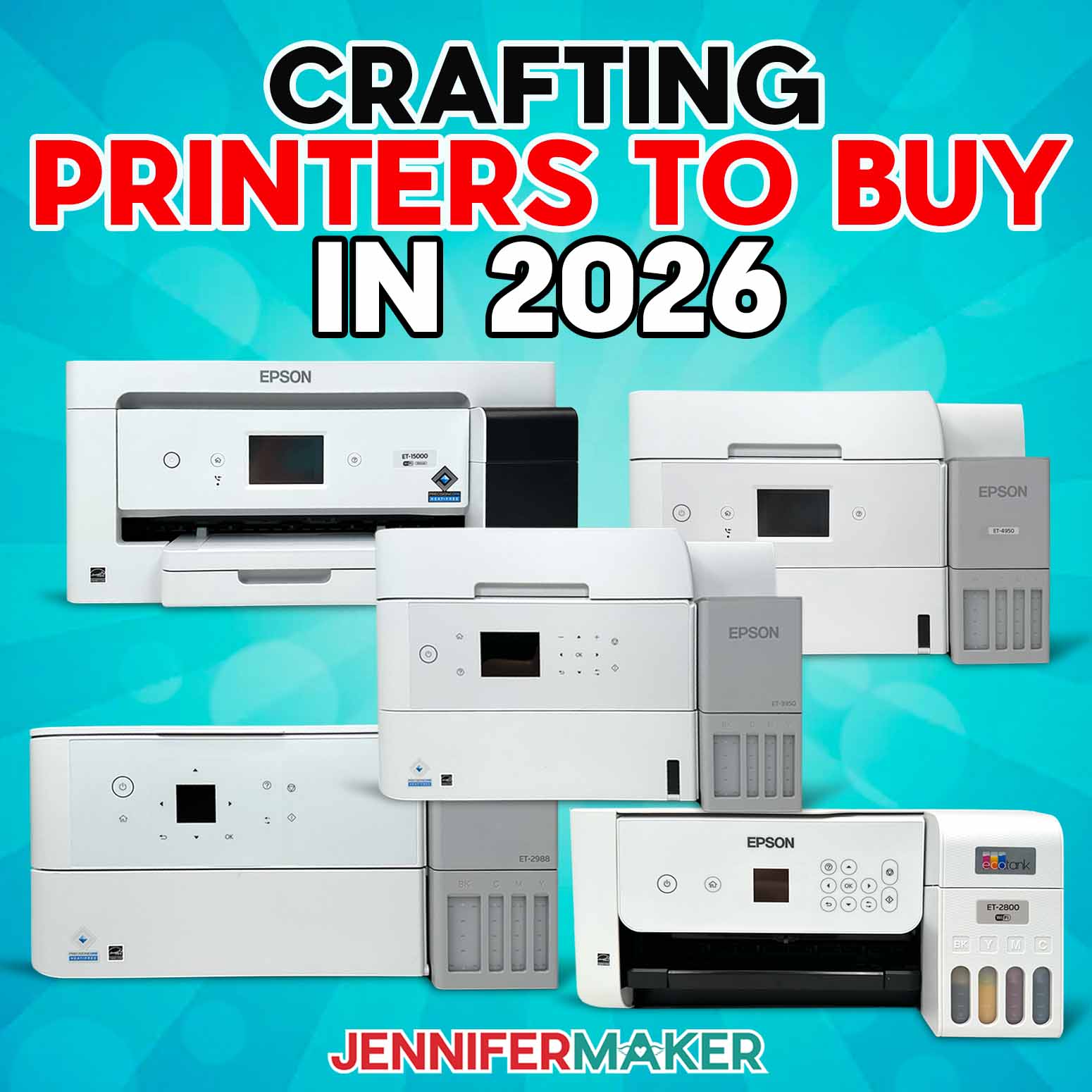
For most crafters, my everyday pick is the Epson EcoTank ET-2980, while the ET-2800 is a good budget choice and the ET-15000 is best for wide-format craft printing.
But choosing which one is best can be confusing when all those model numbers start to run together. The good news is that the best printer for crafting is not always the biggest or most expensive one.
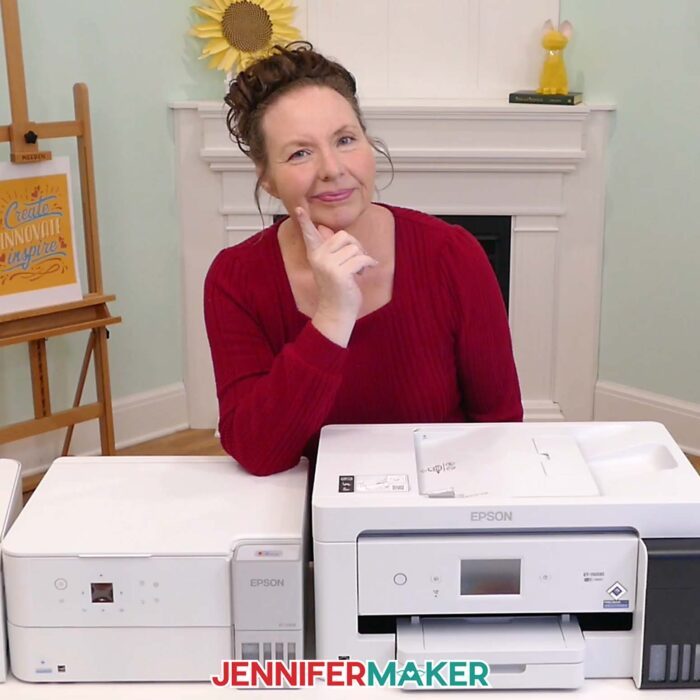
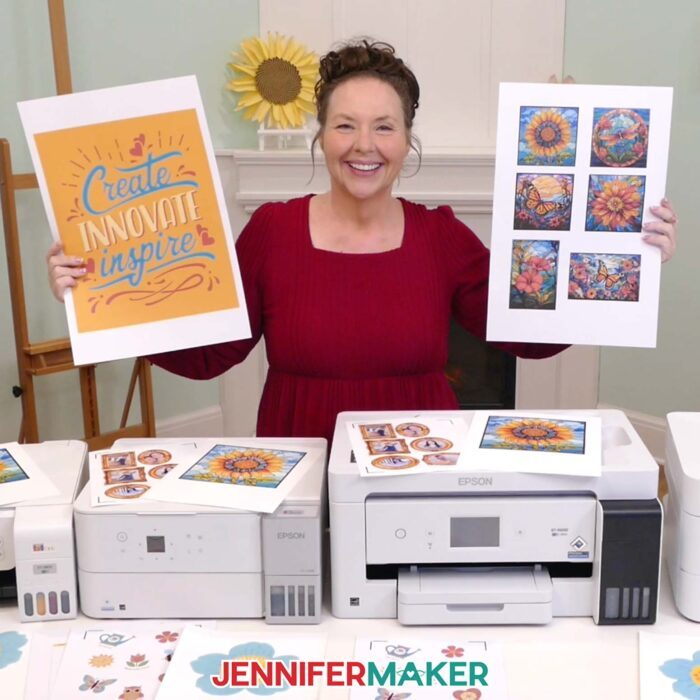
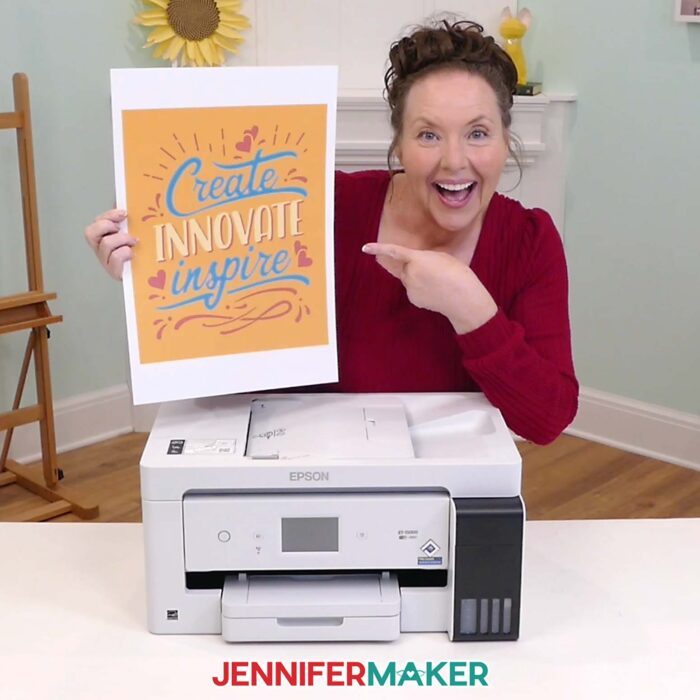
In my video, I compare the ET-2800, ET-2980, ET-3950, ET-4950, and ET-15000 from a crafter’s point of view, and show real print examples so you can see which printer makes the most sense for your craft room.
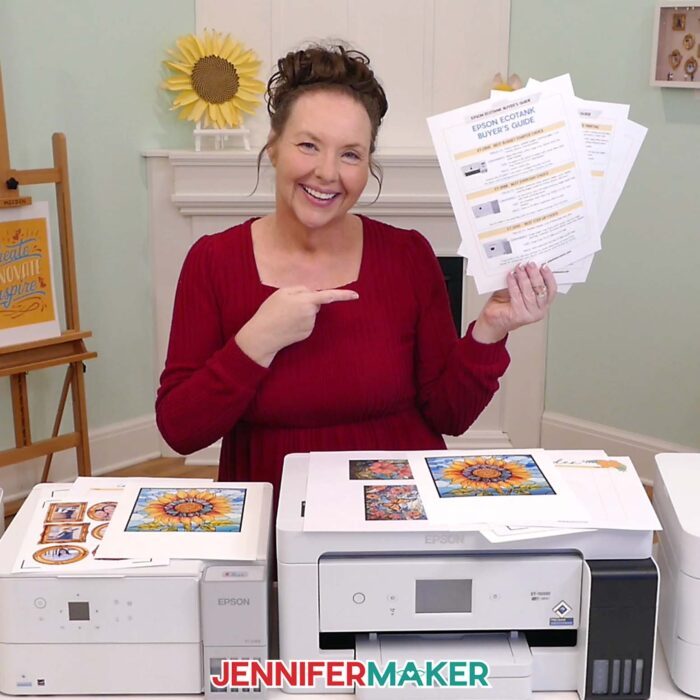
And if you want a quick way to compare the models while you shop, be sure to download my free Epson EcoTank buyer’s cheat sheet so you can see the recommendations side by side before you buy a new printer!
Watch my full comparison of Epson EcoTank printers for crafting:

Best Crafting Printer Overall: My Quick Recommendation
For many crafters, I’d start by comparing the ET-2800 and ET-2980. If the ET-2800 saves you a lot of money and you only need basic craft printing, it may be the right choice. If the ET-2980 is close in price, that’s the one I’d choose for most everyday crafters.
| Crafting Need | Best Pick |
|---|---|
| Budget craft printer | ET-2800 |
| Everyday craft printer | ET-2980 |
| Step-up home printer | ET-3950 |
| Craft + home office printer | ET-4950 |
| Wide-format printing | ET-15000 |
Then only move up to the ET-3950, ET-4950, or ET-15000 if you know exactly which extra features you’ll use.
You can get the full side-by-side comparison in my free Epson EcoTank buyer’s guide cheat sheet.
What Makes a Great Crafting Printer?
When I’m choosing a printer for my craft room, I care about four things most:
What I want to make. A sticker sheet, a greeting card, a photo print, and a large art print don’t all have the same printing needs.
Convenience. Paper handling, wireless printing, automatic two-sided printing, tray size, and ease of use can make a big difference in how often you actually want to use the printer.
Size. This includes both the printer’s footprint and the largest paper size it can handle.
Price. The best value is not always the lowest price or the highest model number. It’s the printer that gives you the features you’ll actually use.
And yes, print quality matters. We all want vibrant colors, small details, and beautiful results. But for everyday craft printing, the paper and settings often affect the results more than the model number. Sticker paper, glossy paper, photo paper, cardstock, printable vinyl, and transfer paper can all behave differently.
In the video, I show you the kinds of materials crafters actually print on, not just a list of printer specs.
Inkjet Printers vs. Laser Printers for Crafting
For most colorful craft projects, I usually look first at inkjet printers.
Inkjet printers are a great choice for stickers, greeting cards, favorite photos, planner pages, art printing, printable vinyl, and other DIY projects where vibrant colors and color depth matter.
Laser printers and LaserJet printer models can be useful for text-heavy documents, home office printing, and some specialty techniques. But for most paper crafts, photo projects, sticker paper, glossy paper, and craft designs with vivid colors, an inkjet printer is usually the better fit.
That’s one reason Epson EcoTank printers are such a popular choice with crafters. Instead of small ink cartridges, they use refillable ink tanks. The initial setup may cost more than a basic cartridge printer, but the ink bottles last a long time, which can help lower costs in the long run if you print often.
Best Budget Crafting Printer: Epson EcoTank ET-2800
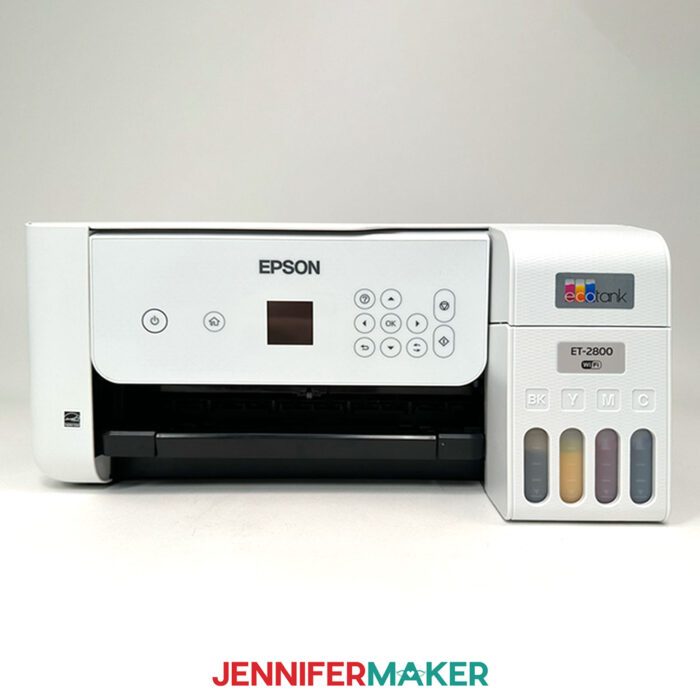
The Epson EcoTank ET-2800 is the budget-friendly starter choice.
It prints, copies, and scans, and it gives you refillable ink tanks without a lot of extra home-office features.
It’s a good option if you mostly print sticker sheets, planner pages, coloring pages, card inserts, photos, labels, and regular printables.
The ET-2800 can make lovely everyday craft prints when you use the right paper and settings. I wouldn’t think of it as the lower-quality choice. I’d think of it as the simpler choice. And sometimes simple is exactly what we need.
Choose the ET-2800 if you want a lower cost EcoTank for basic craft printing and you’re okay with fewer convenience features.
Best Everyday Crafting Printer: Epson EcoTank ET-2980
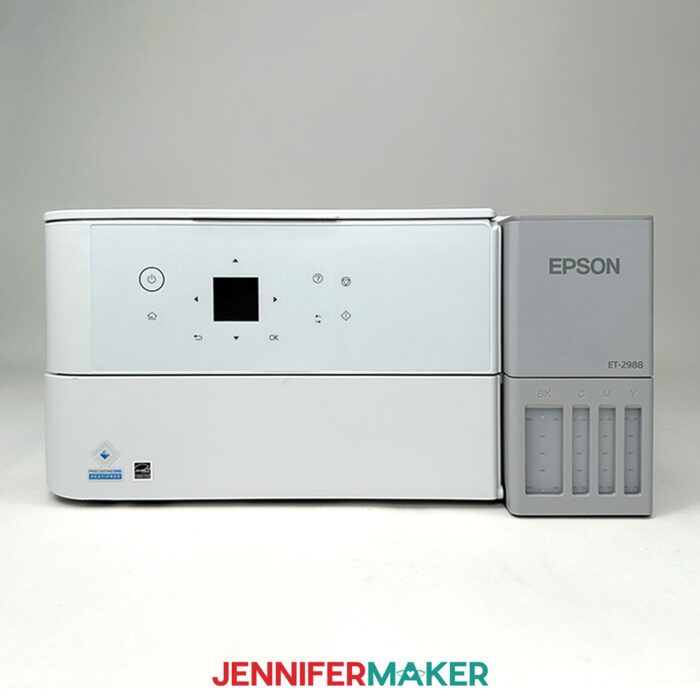
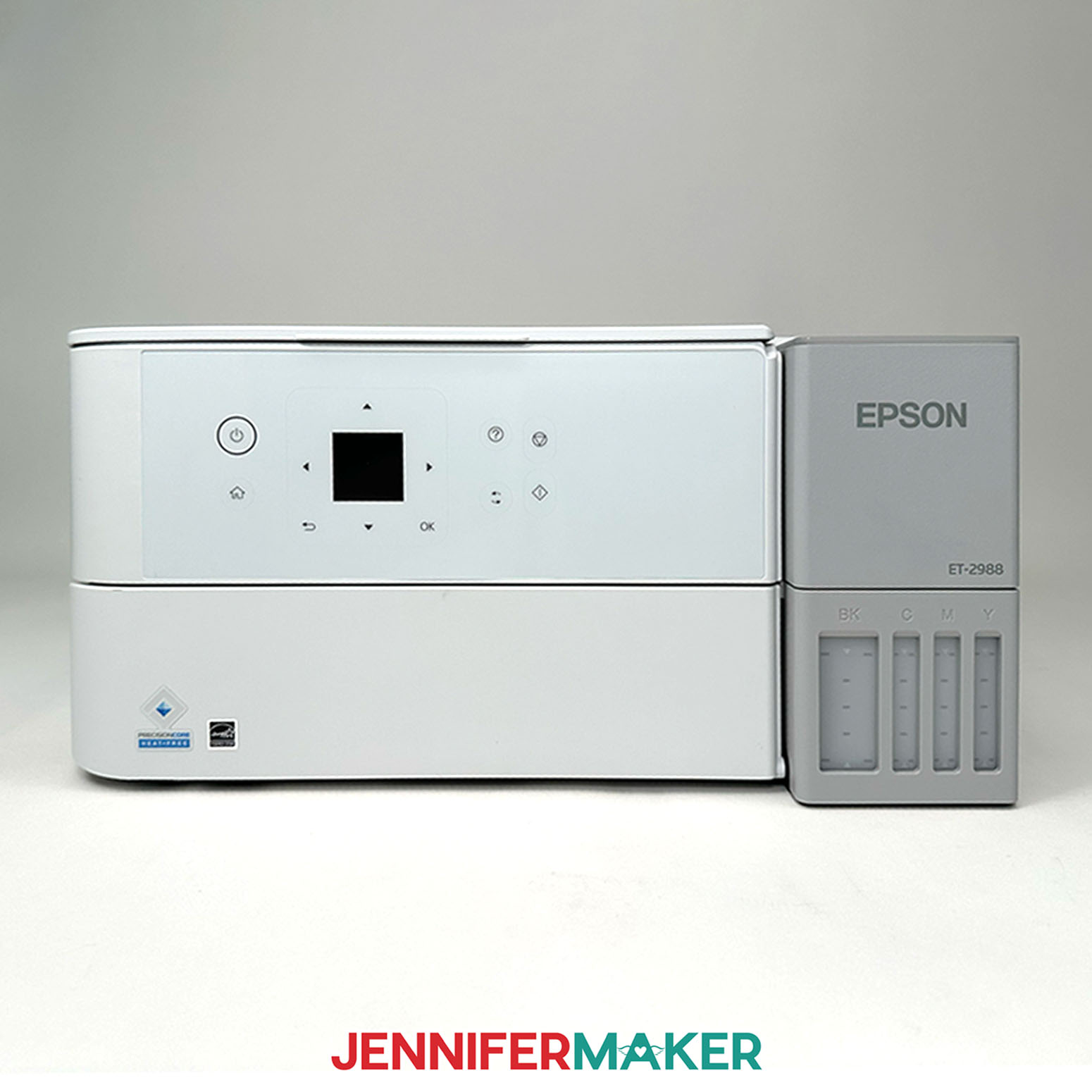
The Epson EcoTank ET-2980 is my everyday pick for many crafters buying new in 2026.
It works well for stickers, printable vinyl, planner pages, card inserts, labels, small art prints, photos, greeting cards, and general craft designs.
Where it really starts to shine is convenience. You get automatic two-sided printing, a handy color screen, and a paper tray that holds up to 100 sheets.
It’s still compact and designed for regular letter-size projects, so it’s not the right printer if you need 13″ x 19″ wide-format printing. But for many craft rooms, it’s an excellent choice because it balances ease of use, print quality, compact design, and price.
Choose the ET-2980 if you want a great crafting printer for regular projects and the price is close to the ET-2800.
When Should You Move Up to the ET-3950, ET-4950, or ET-15000?
My advice: Move up only when an extra feature solves a real problem for you.
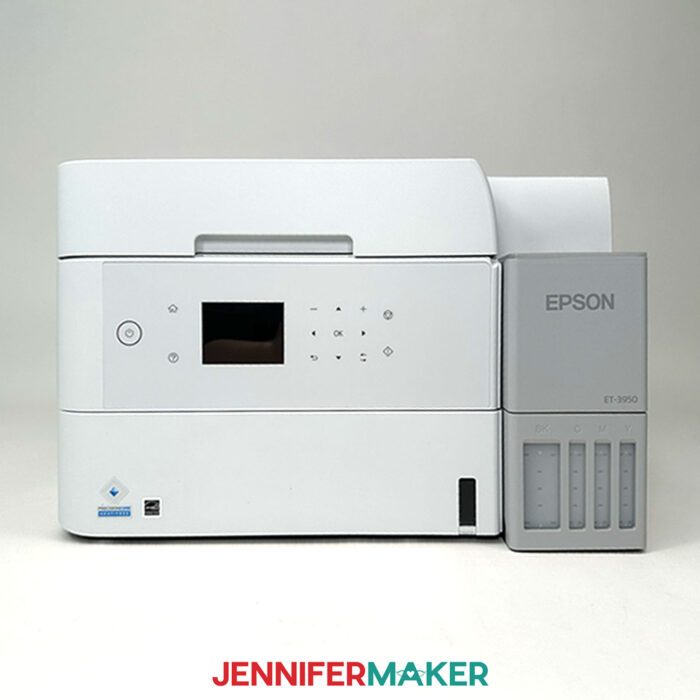
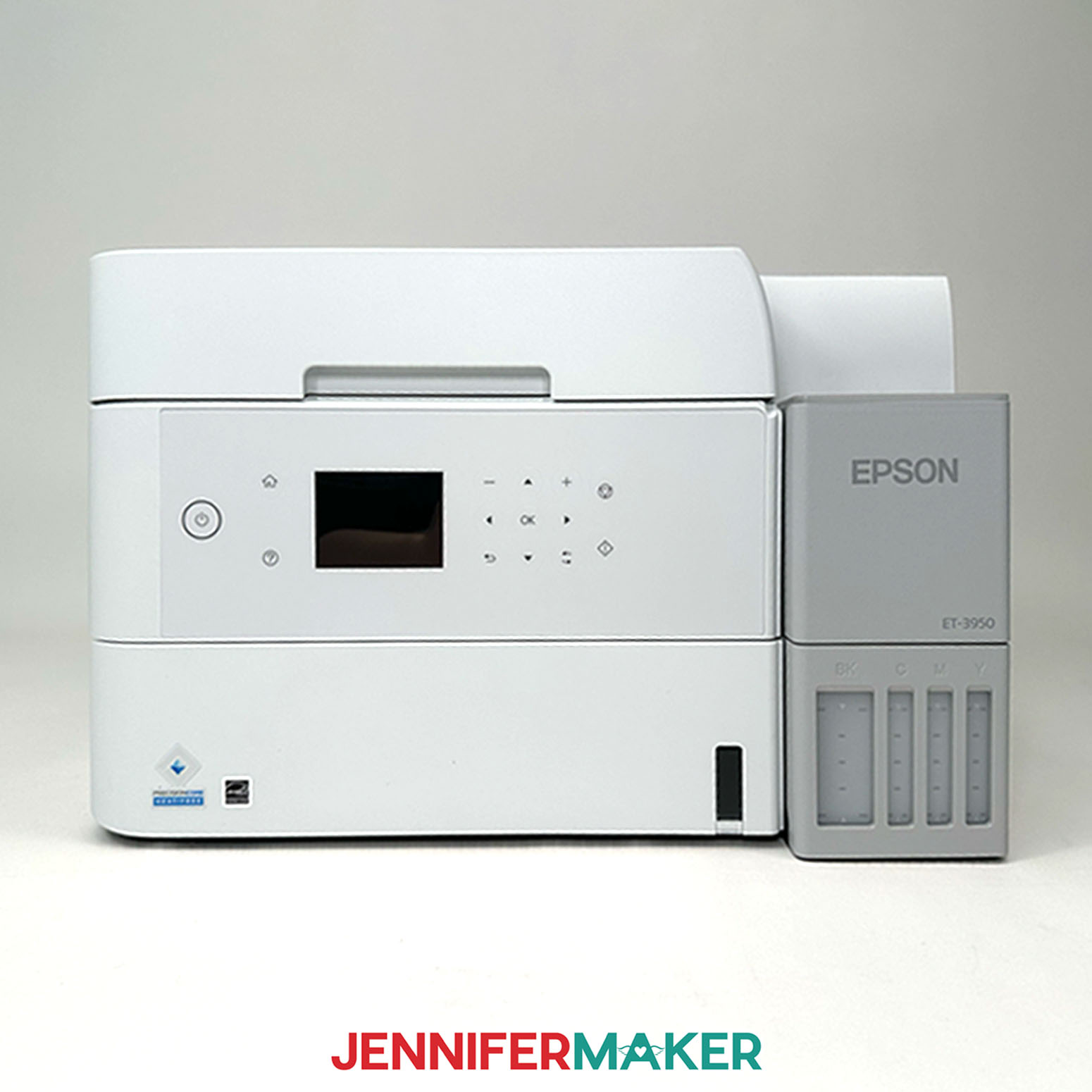
The ET-3950 makes sense if you want more convenience for frequent printing, family use, home office tasks, faster scanning and copying, or a bigger paper tray.
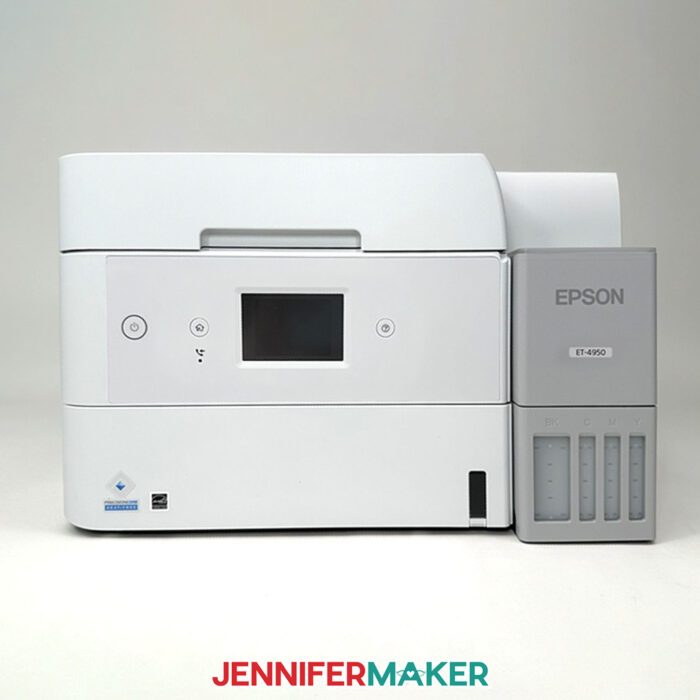
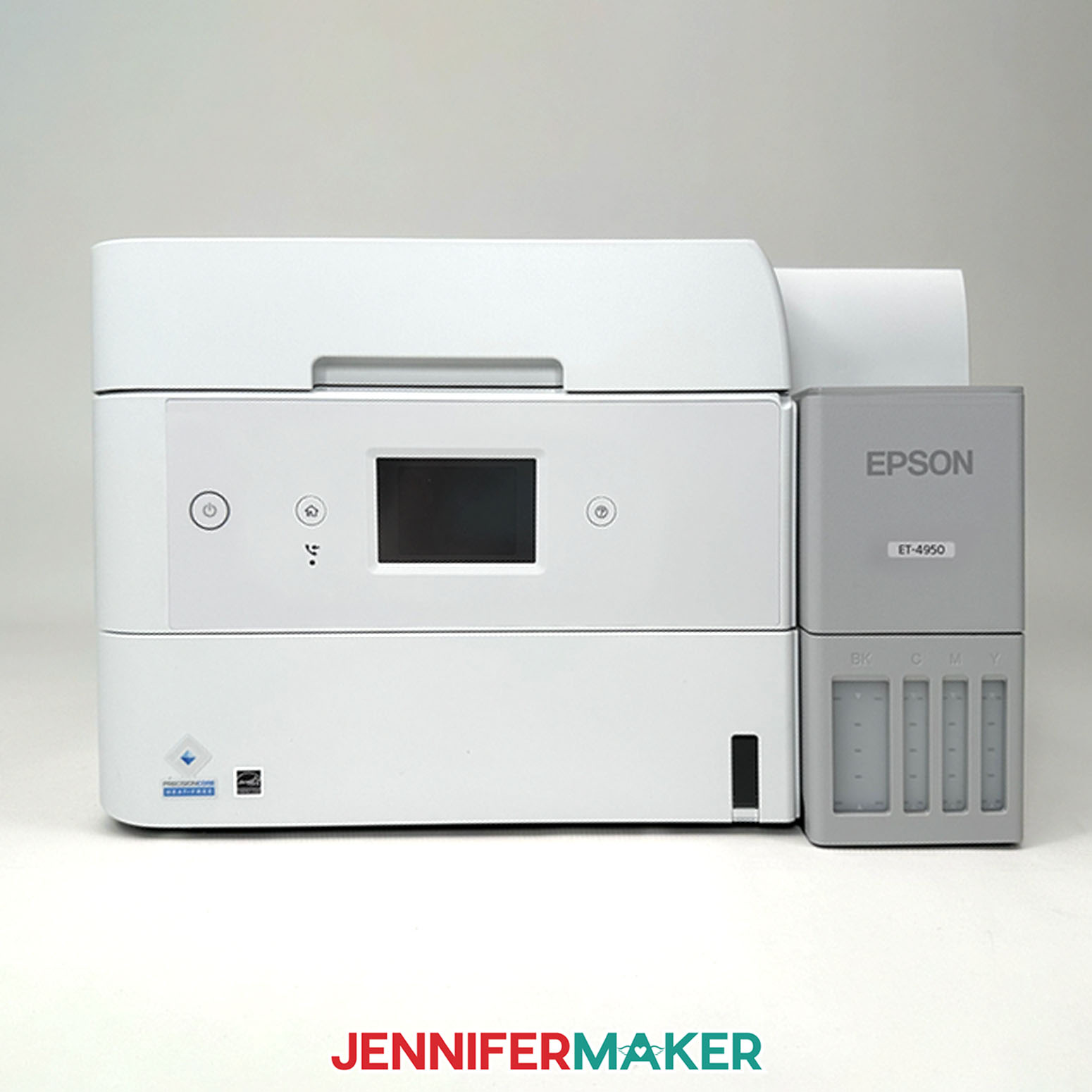
The ET-4950 makes sense if you need craft printing and extra office features in the same printer. It may be a great choice for a craft business, handling shipping labels, paperwork, lots of scanning and copying, and home office use, but it’s likely more printer than many casual crafters need.
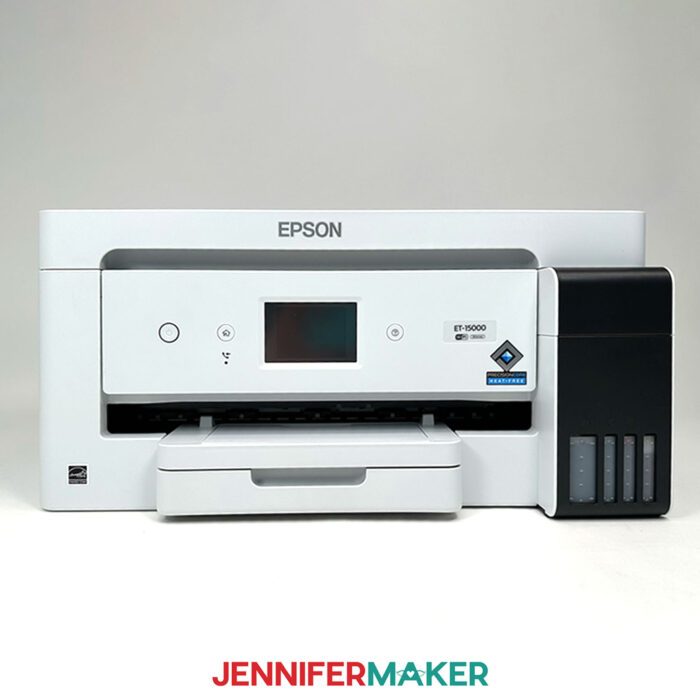
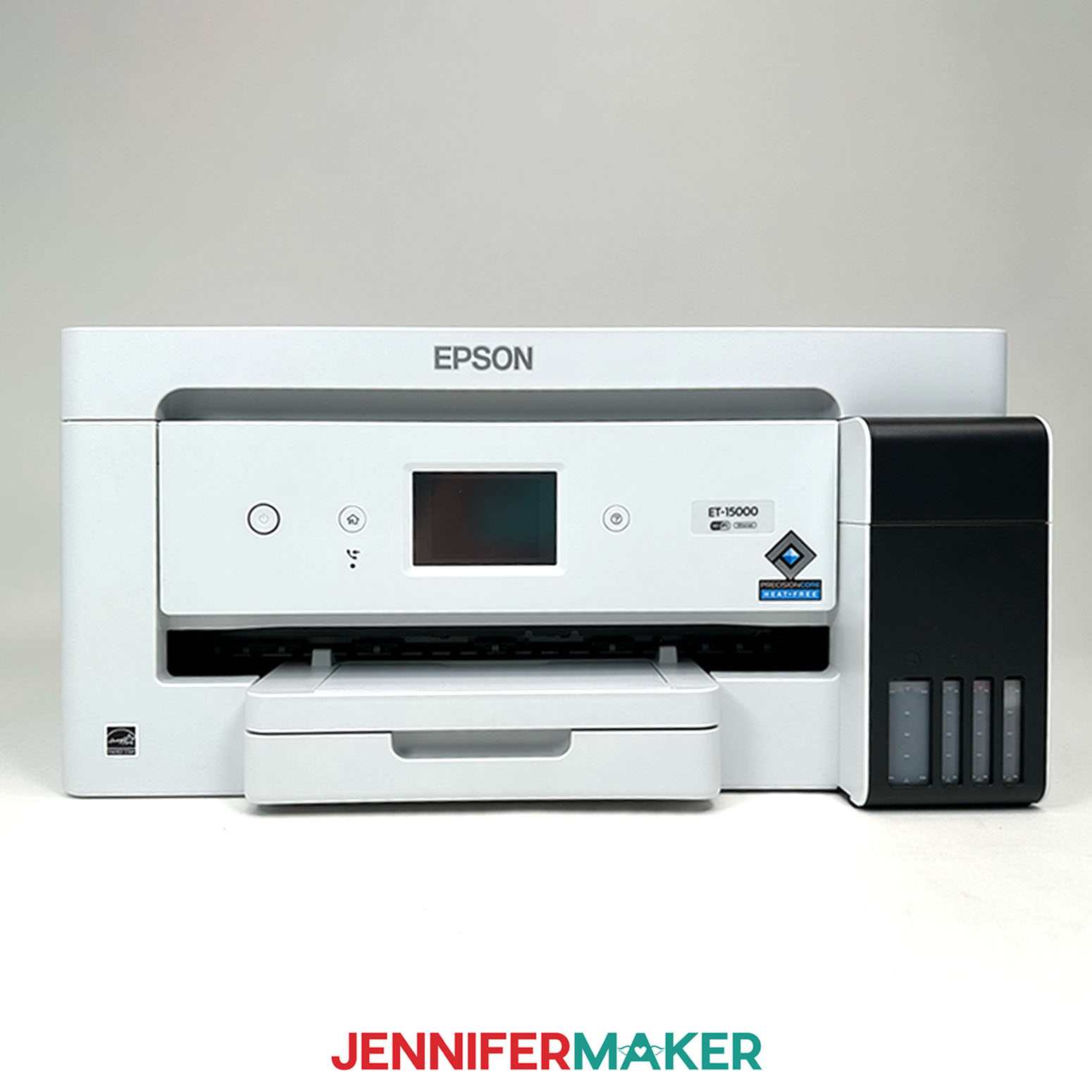
The ET-15000 is the wide-format option. It can print larger than letter size, up to 13″ x 19″, which is helpful for larger art prints, signs, oversized party decorations, large templates, and wide-format craft projects.
If you mostly print stickers, greeting cards, planner pages, printable vinyl, and small photos, one of the smaller EcoTanks may be the better value.
If you keep saying, “I wish I could print bigger,” the ET-15000 may be the right choice.
Do You Need a Sublimation Printer?
One quick note: decide before you fill the tanks.
A printer filled with regular EcoTank ink is for regular craft printing. A printer filled with sublimation ink is for sublimation. One printer can’t do both.
If you want stickers, paper crafts, printable vinyl, photos, cards, and regular printables, choose regular EcoTank ink.
If you want sublimation projects, start with a dedicated sublimation printer filled with sublimation ink from the beginning.
And if you want both regular craft printing and sublimation, plan on two printers.
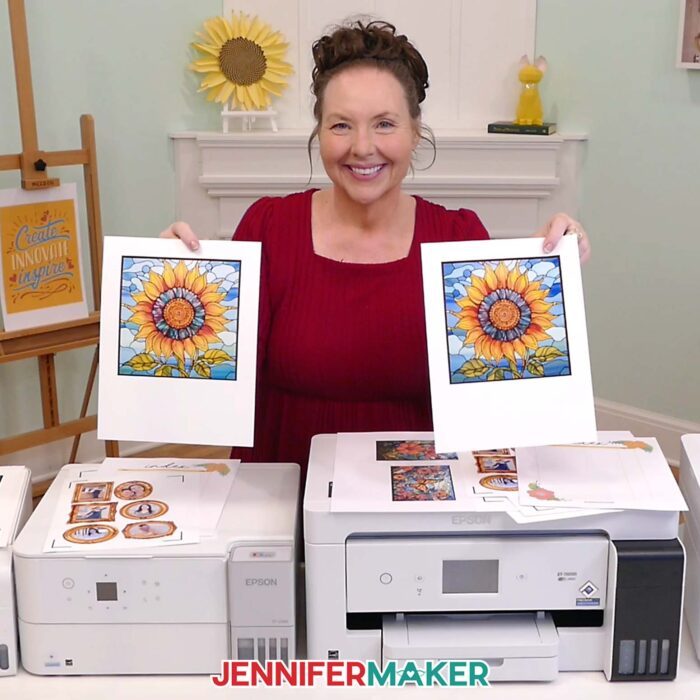
Watch the Full Epson EcoTank Printer Comparison
The video walks through each printer one at a time and shows why I recommend different models for different crafters.
You’ll see how I think through:
- Which printer makes sense for beginners
- Which printer I’d choose for most everyday craft rooms
- When the step-up models are worth it
- Why the most expensive printer may not make your stickers look better
- Which EcoTank makes sense if you need wide-format printing
Then download the free Epson EcoTank buyer’s cheat sheet so you can compare the models side by side while you shop.
Printers & Materials for Printable Projects
View my Amazon shopping list with the exact printers I compared.
- Epson EcoTank ET-2800
- Epson EcoTank ET-2980
- Epson EcoTank ET-3950
- Epson EcoTank ET-4950
- Epson EcoTank ET-15000
- 8.5″ x 11″ Copy Paper
- 8.5″ x 11″ Sublimation Paper
- 8.5″ x 11″ Printable Sticker Paper
- 8.5″ x 11″ Printable Vinyl Sticker Paper
- 11″ x 17″ Copy Paper (for ET-15000)
- 12″ x 18″ Copy Paper (for ET-15000)
- Epson EcoTank 2800 Printer Ink
- Epson EcoTank 2980, 3950, 4950, and 15000 Color Ink
- Epson EcoTank 2980, 3950, 4950, and 15000 Black Ink
- Sublimation Ink
- Design #821 (My free PDF Epson EcoTank Buyer’s Guide is available in my free library – get the password by filling out the form at the bottom of this page)
Learn More About the Best Crafting Printer in 2026
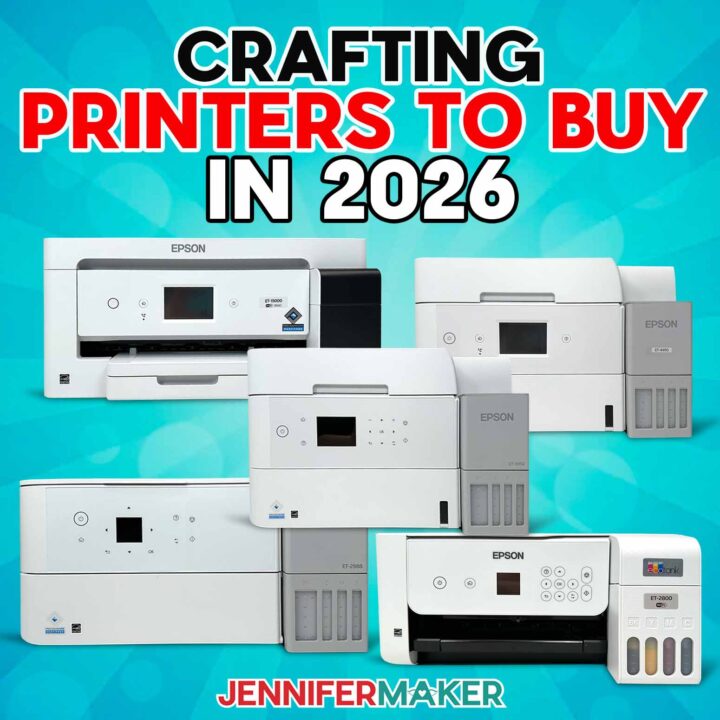
Epson EcoTanks
Materials
- 8.5" x 11" Copy Paper
- 8.5" x 11" Sublimation Paper
- 8.5" x 11" Printable Sticker Paper
- 8.5" x 11" Printable Vinyl Sticker Paper
- 11" x 17" Copy Paper
- 12" x 18" Copy Paper
- Epson EcoTank 2800 Printer Ink
- Epson EcoTank 2980, 3950, 4950, and 15000 Color Ink
- Epson EcoTank 2980, 3950, 4950, and 15000 Black Ink
- Sublimation Ink
Tools
Instructions
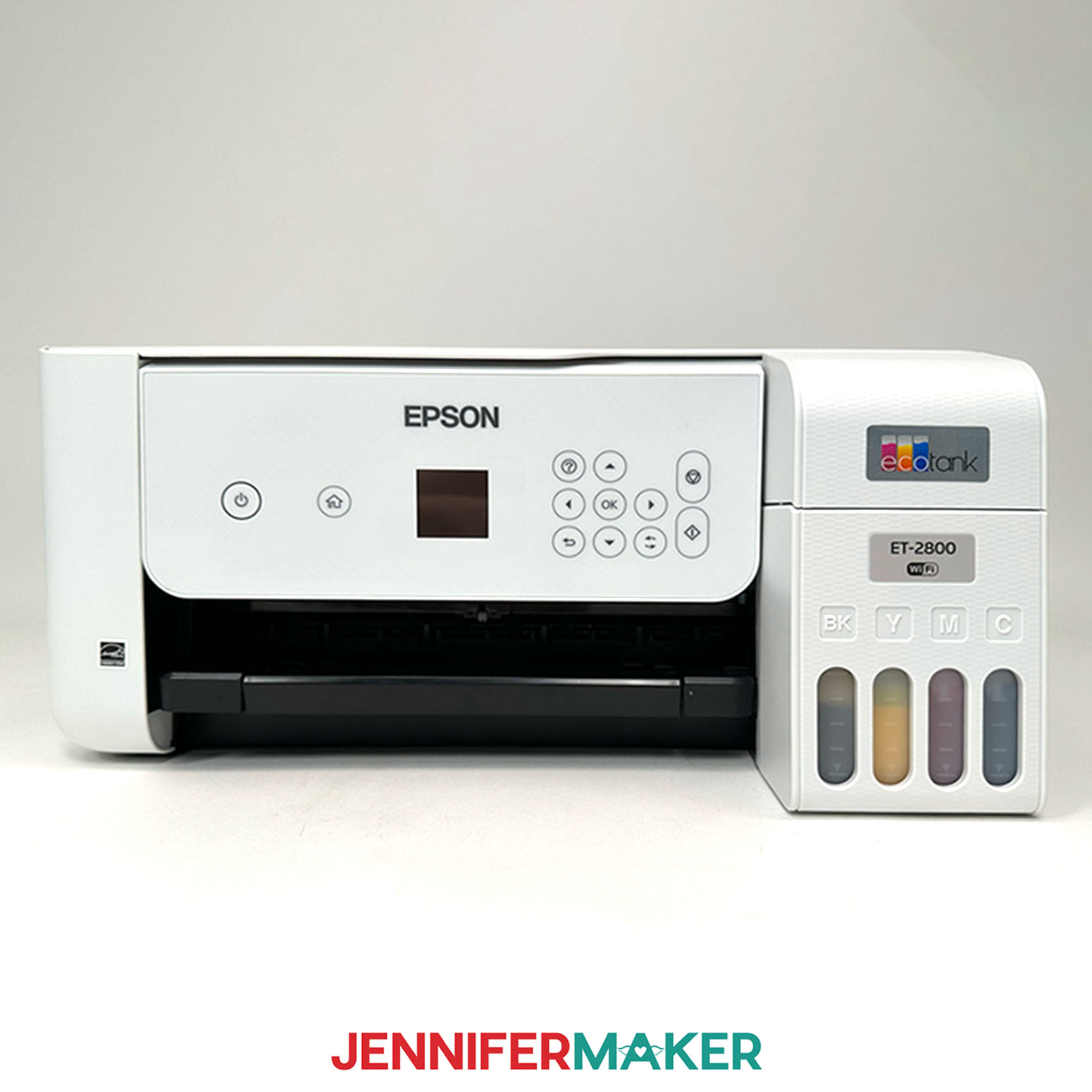
Epson EcoTank 2800
Pros: Budget friendly, Quality (5760 x 1440 dpi), small size is convenient for craft rooms
Cons: Basic Features: print, copy and scan, print time is slower than other models, older print head type
Epson EcoTank ET-2980
Pros: Budget friendly, Quality (4800 x 1200 dpi), small size is convenient for craft rooms
Cons: Basic Features: print, copy, and scan, no automatic document feeder
Epson EcoTank 3950
Pros: Quality (4800 x 1200 dpi), larger display, Office features including duplex scanning
Cons: Slightly larger, Price
Epson EcoTank 4950
Pros: Quality (4800 x 1200 dpi), Color touchscreen, Advanced office features including and faxing
Cons: Slightly larger, Price
Epson EcoTank ET-15000
Pros: Wide format, Office features, Quality (4800 x 1200 dpi)
Cons: Takes up much more space, Price
Answers to Your Questions About the Best Craft Printer
Q: What is the best crafting printer for most crafters?
A: For many crafters buying a new Epson EcoTank in 2026, I’d look first at the Epson EcoTank ET-2980. It balances regular craft printing, convenience, compact size, and price.
Q: What is the best crafting printer for beginners?
A: The Epson EcoTank ET-2800 is a good beginner choice if you want a lower cost printer for basic craft projects, lighter printing, and everyday printables.
Q: What is the best home printer for crafting?
A: The best home printer for crafting is one that fits your craft projects, your space, your budget, and your convenience needs. For many crafters, the ET-2980 is a great choice for regular letter-size craft printing.
Q: Does a more expensive printer have better print quality?
A: Not always. For everyday crafting, paper and settings often affect print quality more than the model number. A higher-priced printer may give you more convenience, speed, paper capacity, or larger print size, but it does not automatically make every sticker or greeting card look better.
Q: Are inkjet printers or laser printers better for crafts?
A: For most colorful craft projects, inkjet printers are usually the better choice. They work well for photo paper, glossy paper, sticker paper, printable vinyl, greeting cards, favorite photos, and designs with vibrant colors. Laser printers can be useful for some office tasks and specialty techniques, but they’re usually not my first pick for everyday craft printing.
Q: What printer should I use for sticker paper?
A: For regular sticker sheets, use an inkjet printer with regular ink, inkjet-compatible sticker paper, and the right print settings. The ET-2800 and ET-2980 can both be good options, depending on your budget and how much convenience you want.
Q: Is the Epson EcoTank ET-15000 worth it for crafters?
A: The ET-15000 is worth considering if you need wide-format printing. It can print up to 13″ x 19″, which is useful for larger art prints, signs, templates, and oversized craft projects. But if you mostly print letter-size projects, a smaller EcoTank may be a better fit.
Q: Can one EcoTank printer do regular printing and sublimation?
A: No. A printer filled with regular EcoTank ink is for regular craft printing. A printer filled with sublimation ink is for sublimation. One printer can’t do both, so if you want to do both, you’ll need two separate, dedicated printers.
Q: What should I consider before buying a crafting printer?
A: Think about what you want to make, how much convenience you want, how much room you have, and your budget. Those four things will help you choose the right printer for your craft room.
Get my Free Epson EcoTank Buyer’s Cheat Sheet!
(If you do not see the signup form above, click here.)
Ready to find the best crafting printer for your projects? Let me know which printer you chose and what you made with it! Feel free to share photos of your printed projects in our Facebook group or tag me on social media with #jennifermaker.
Love,
Want to remember this? Save this Best Crafting Printer blog post to your favorite Pinterest Board!