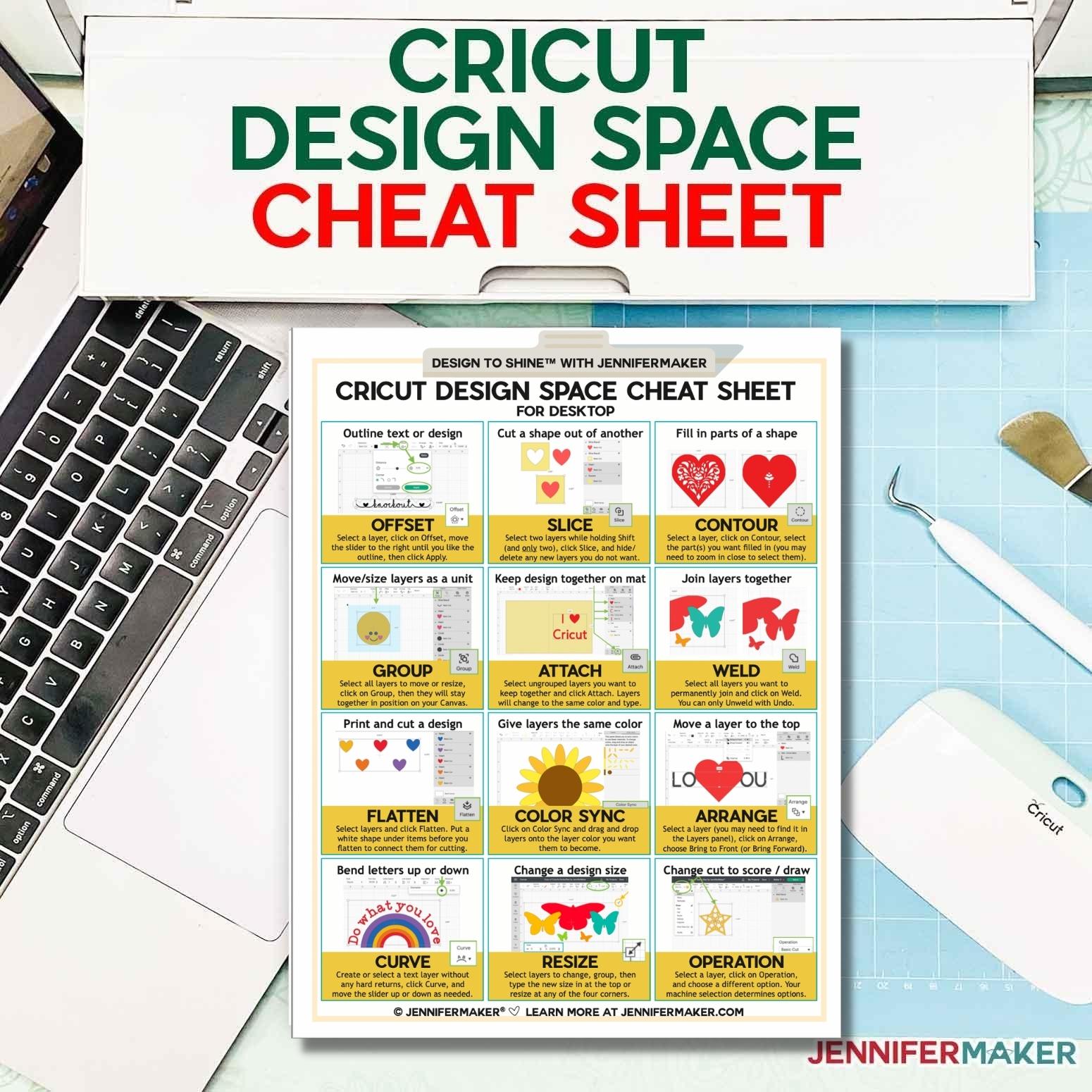
Learn how to use Cricut Design Space faster and easier with this Cricut cheat sheet!
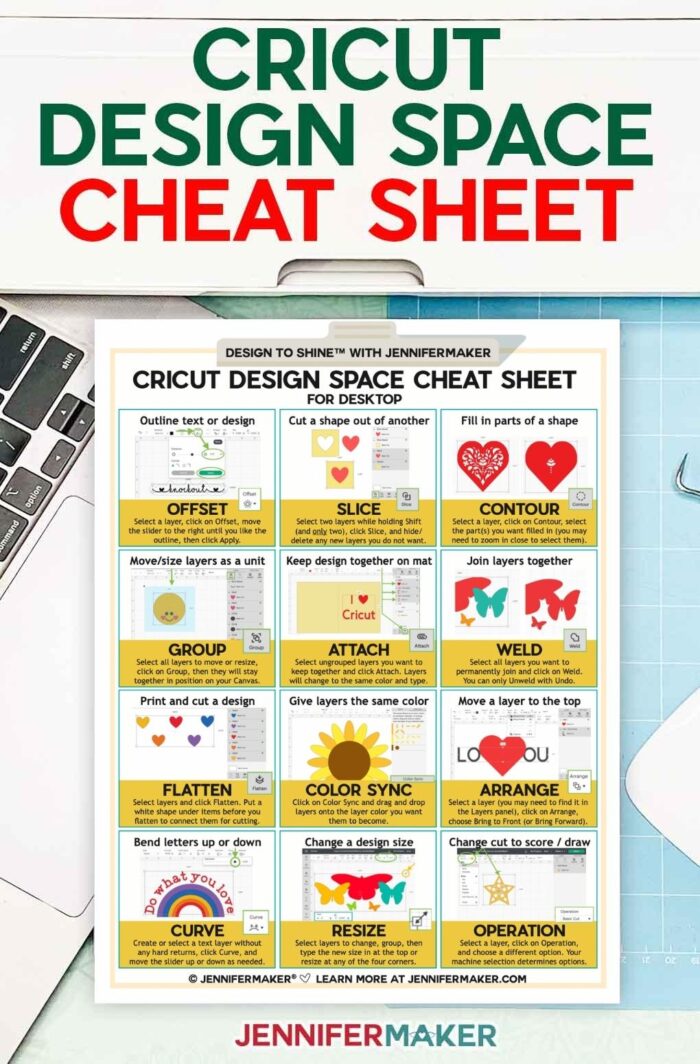
Are you new to Cricut and not sure about this whole Cricut Design Space thing? Or maybe Design Space just feels too hard or confusing? If so, I can help! As a designer, I use Design Space every day to meet my deadlines, get my work out, and move forward. I have no issues with Cricut Design Space I cannot overcome. And it’s not because I’m special or have exclusive access to something that other people don’t have. What I have is knowledge, confidence, and a few tricks to get Cricut Design Space to sing for me! To help you out, I put 12 of my favorite functions of Cricut Design Space into a one-page Cricut cheat sheet for you!
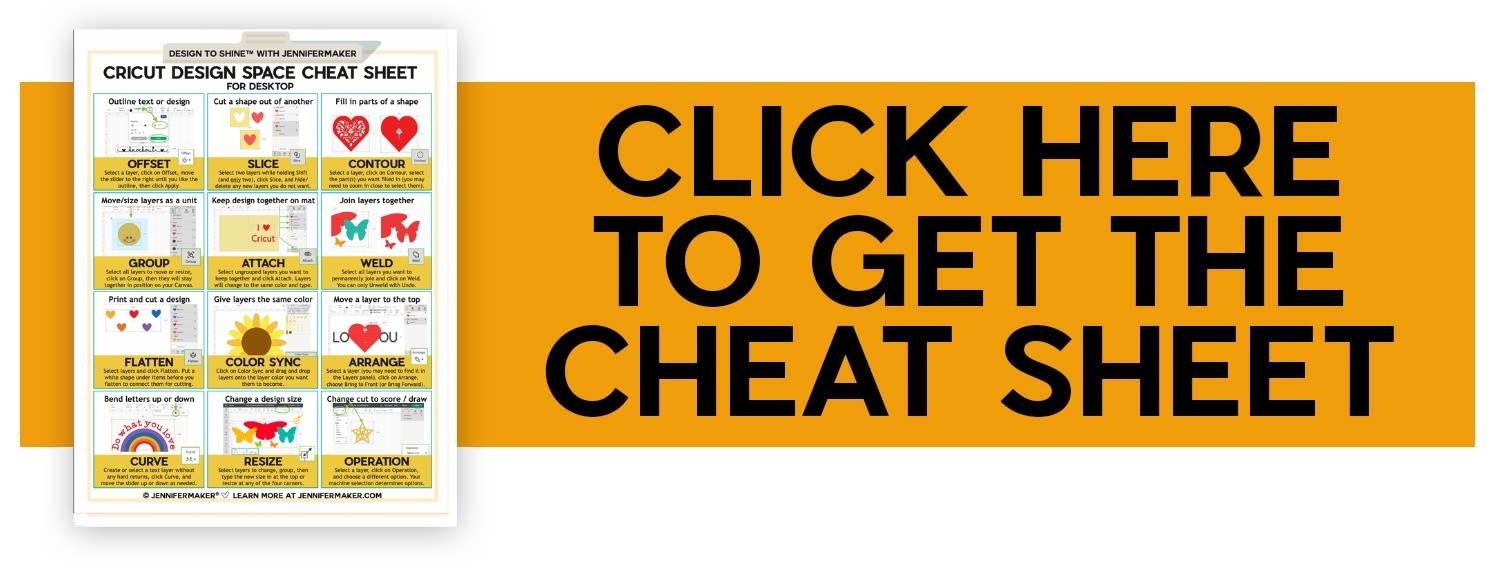
My Cricut Design Space Cheat Sheet covers the following popular functions and tasks, and each one is organized by what you want to do as I know it can be hard to remember the names of everything. Here’s what it includes:
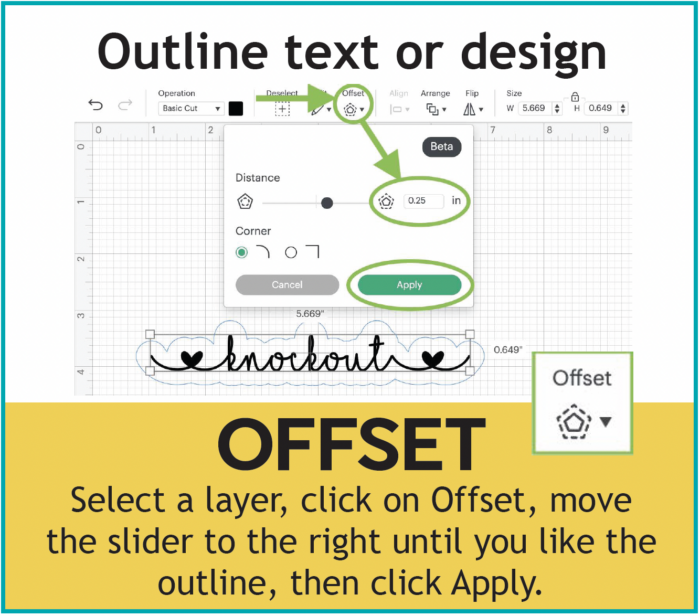
Outline text or design — How to Offset
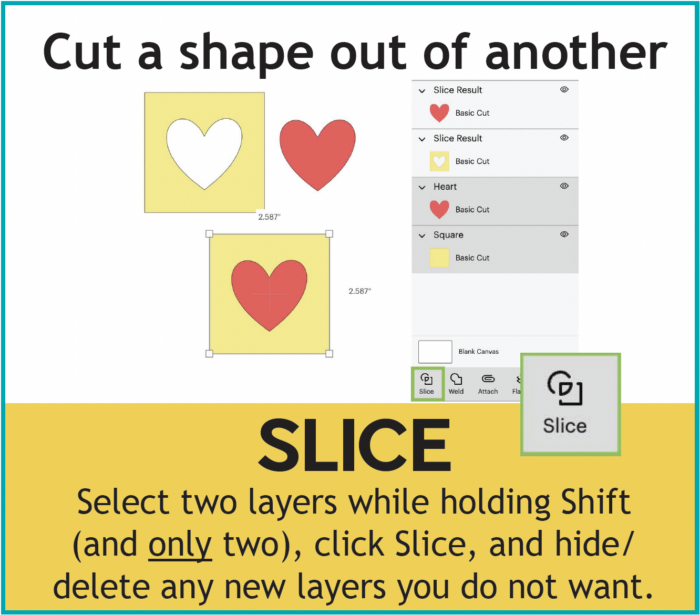
Cut a shape out of another — How to Slice
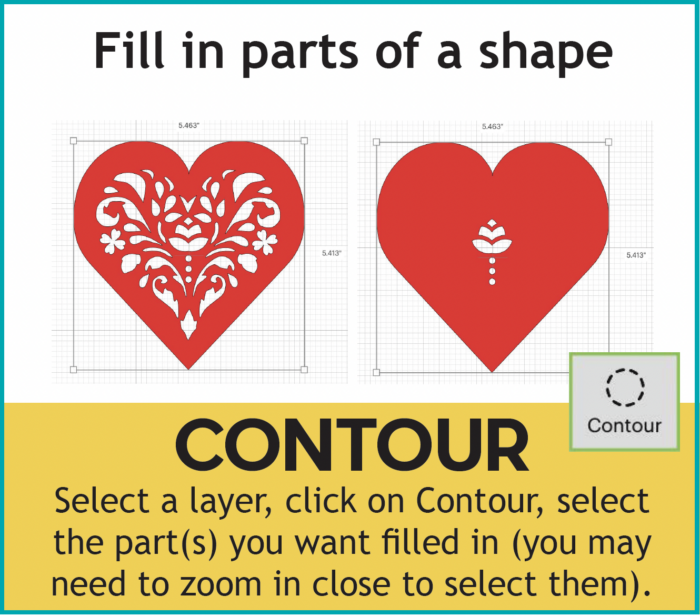
Fill in parts of a shape — How to Contour
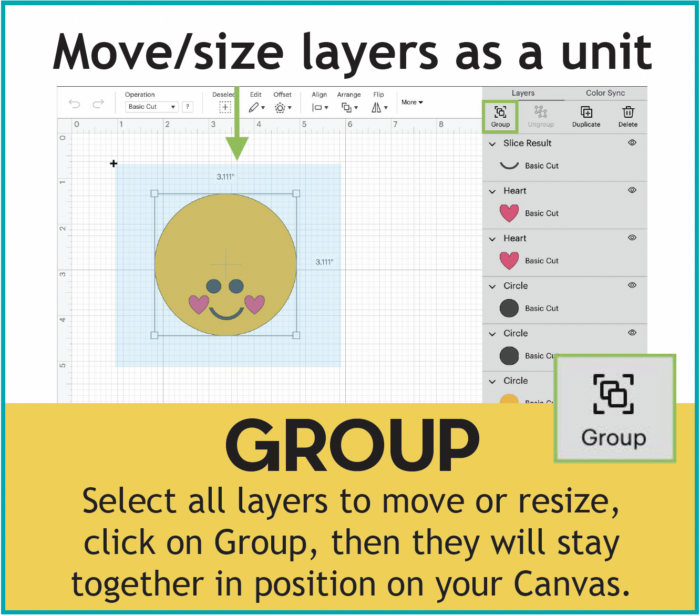
Move/size layers as a unit — How to Group
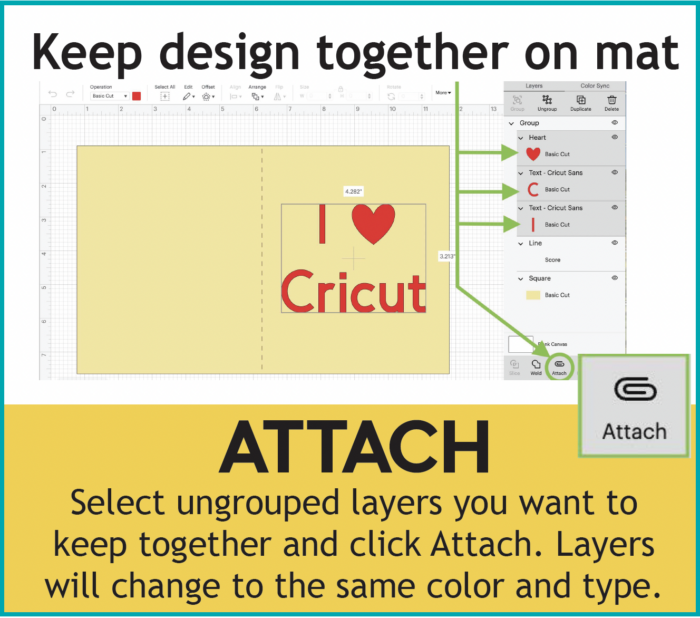
Keep design together on mat — How to Attach
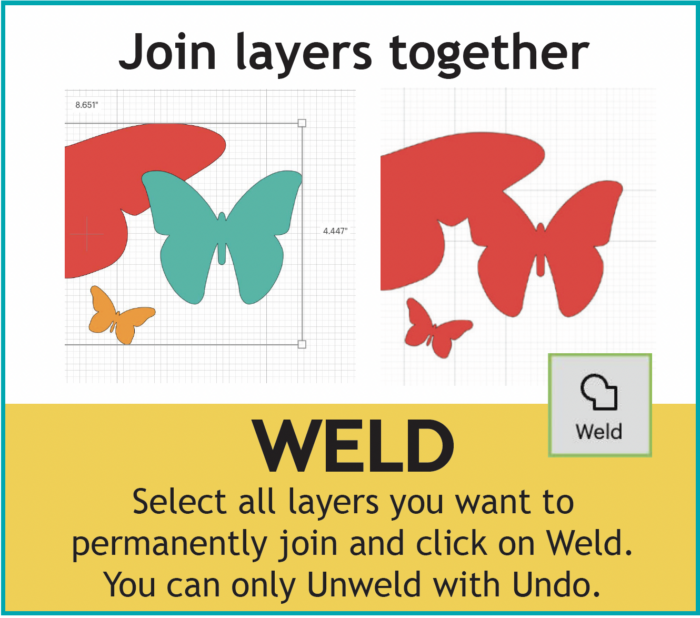
Join layers together — How to Weld
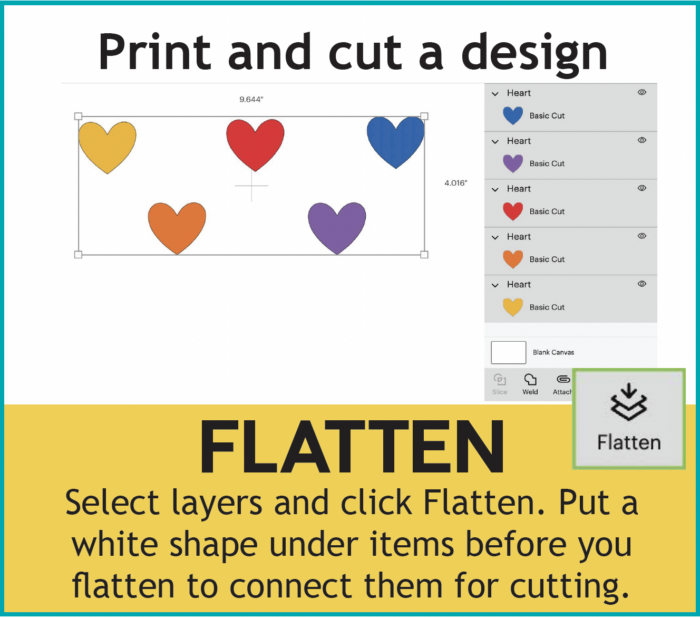
Print and cut a design — How to Flatten
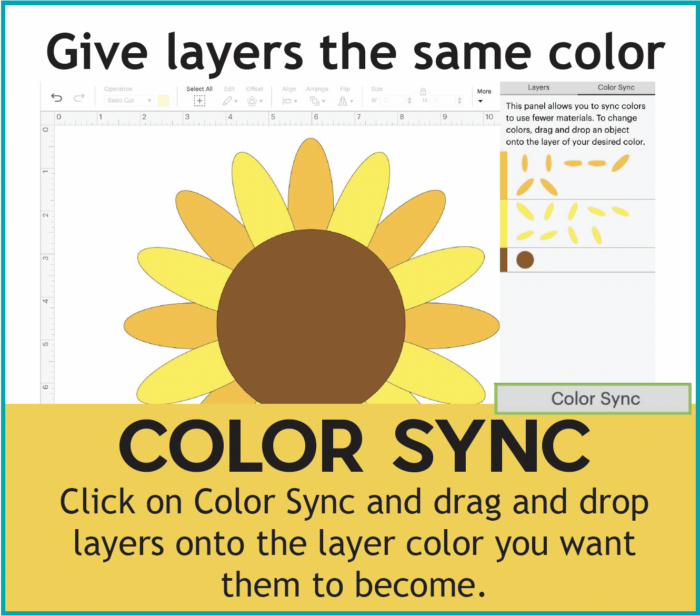
Give layers the same color — How to Color Sync
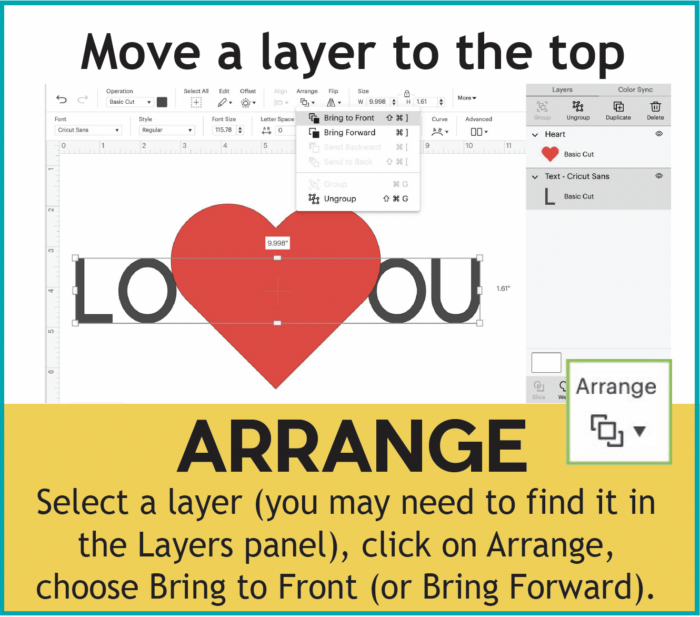
Move a layer to the top — How to Arrange
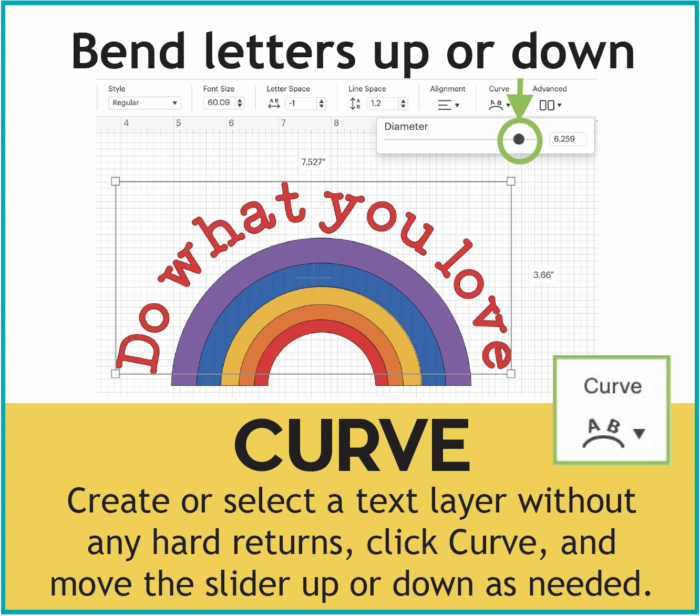
Bend letters up or down — How to Curve
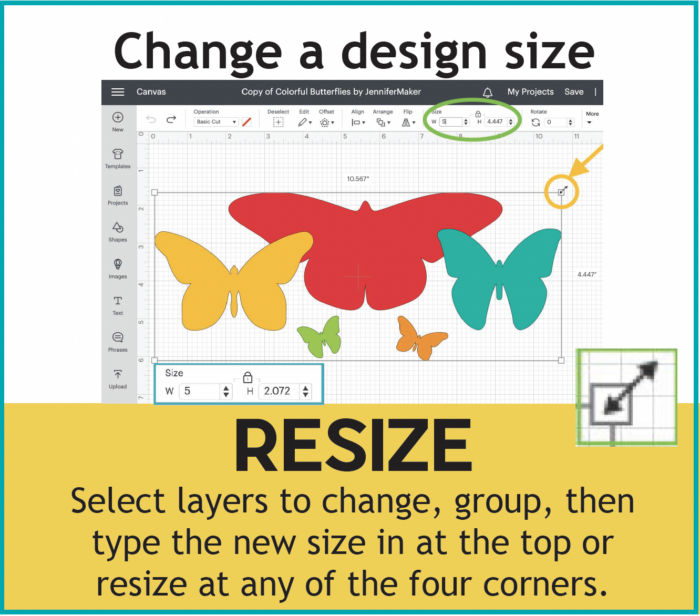
Change a design size — How to Resize
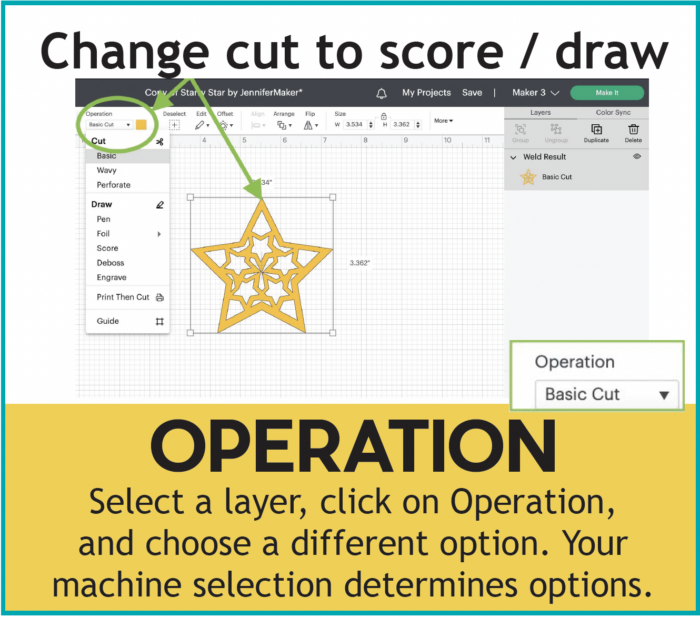
Change cut to score/draw — How to Change Operation
Get my free printable Cricut Design Space Cheat Sheet!
I hope this cheat sheet helps you as much as it helps me!!
Love,

Want to remember this? Save this Cricut Cheat Sheet to your favorite Pinterest Board!